
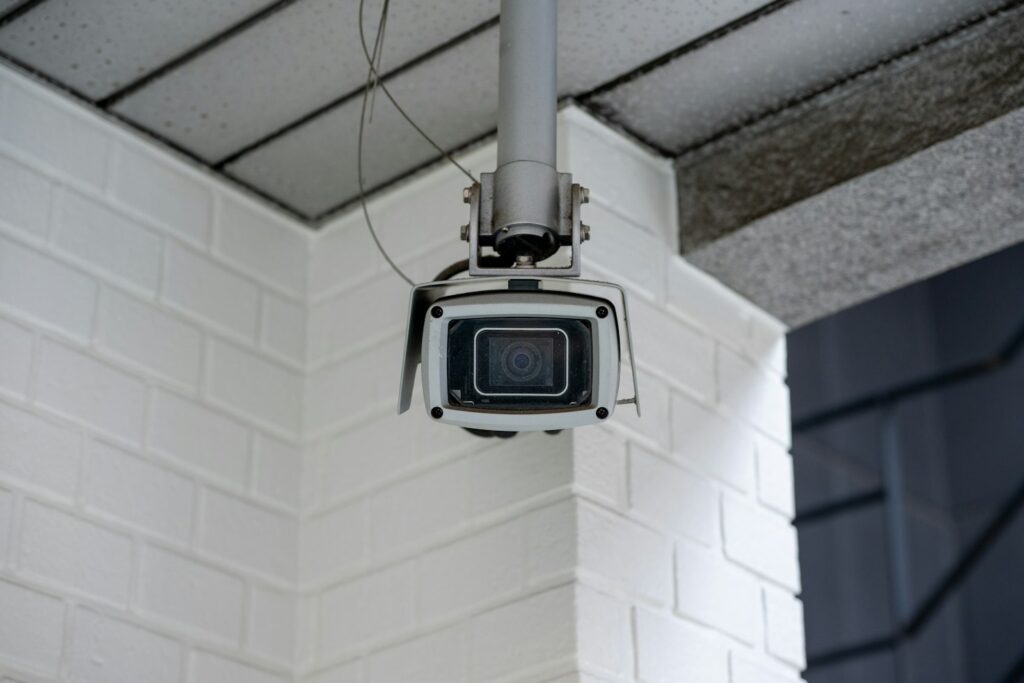
Constant battery recharging, unexpected power loss, and missed footage can make home security feel like more work than peace of mind. You want reliable protection that runs consistently without constant maintenance or gaps in coverage. Discover how a hardwired security camera system, continuous recording, professional cable installation, and proper weather protection can help keep your property monitored with fewer worries.
Battery Cameras Create Ongoing Chores
Battery cameras are convenient when you rent, need temporary coverage, or can’t alter a building. For permanent use, however, charging soon becomes another maintenance task. Battery life varies with recording frequency, temperature, signal strength, and notification settings. A camera facing a busy sidewalk may activate hundreds of times a day and drain much faster than one overlooking a quiet side entrance.
Hardwired models remove that variable. If you’re ready to replace several battery units or install a new fixed system, an Electrician in Kingscliff can assess power availability, cable routes, and suitable camera positions. Professional planning also reduces the risk of visible wiring, overloaded circuits, or cameras losing power at inconvenient times.
Continuous Recording Demands Real Power
A camera that records around the clock captures events that motion detection may miss. Motion-based systems can start late, especially when a person approaches from a difficult angle or moves through the frame quickly. Constant recording preserves the lead-up to an event, which often gives useful context.
That capability needs a stable power source and enough storage. Network video recorders can keep footage locally, while some systems also send selected clips to cloud storage. Calculate retention needs before buying equipment because camera resolution, frame rate, and camera count all affect capacity.
Power reliability still matters during an outage. A compatible battery backup can keep the recorder, network hardware, and cameras running for a limited period. Regular continuous security validation also helps confirm that recording, access controls, and alerts work as expected.
Running Clean Cables Through Walls
Plan cable routes before drilling. The shortest path may cross plumbing, insulation, or electrical wiring, so inspect wall cavities and roof spaces first. Keep low-voltage data cables separated from mains wiring according to applicable installation requirements, and avoid sharp bends that could damage the cable or weaken a network connection.
For a neat result, route cables through roof spaces, wall cavities, or surface-mounted conduit in utility areas. Each cable should have a label at both ends so future troubleshooting doesn’t become a guessing exercise. Leave a small service loop near the camera and recorder as well.
Any work near fixed electrical wiring should follow recognized electrical safety practices. If a route is unclear or difficult to access, use a qualified installer instead of cutting exploratory holes across finished walls.
Protecting Outdoor Sensors From Moisture
Outdoor cameras face rain, condensation, salt air, dust, and temperature changes. Check the manufacturer’s ingress protection rating and mounting instructions before choosing a location. An exposed camera generally needs a higher weather-resistance rating than one installed beneath a deep porch.
Mount the unit under an eave where possible, but don’t block its field of view. Cable entries should face downward so water can’t follow the cable into the housing. Use outdoor-rated junction boxes, suitable seals, and drip loops at exposed connections. Avoid enclosing connections in ordinary tape because heat and moisture can cause the adhesive to fail.
Inspect outdoor units every few months for cracked seals, corrosion, insects, and cloudy lenses. A hardwired system delivers its best results when each connection stays dry, and the recorder receives a clear, uninterrupted signal.
The practical test comes after installation: review daytime and nighttime footage from every camera, confirm the timestamps, and check how long recordings remain available. That final check shows whether the system will capture useful evidence without adding another recurring charging job.
