
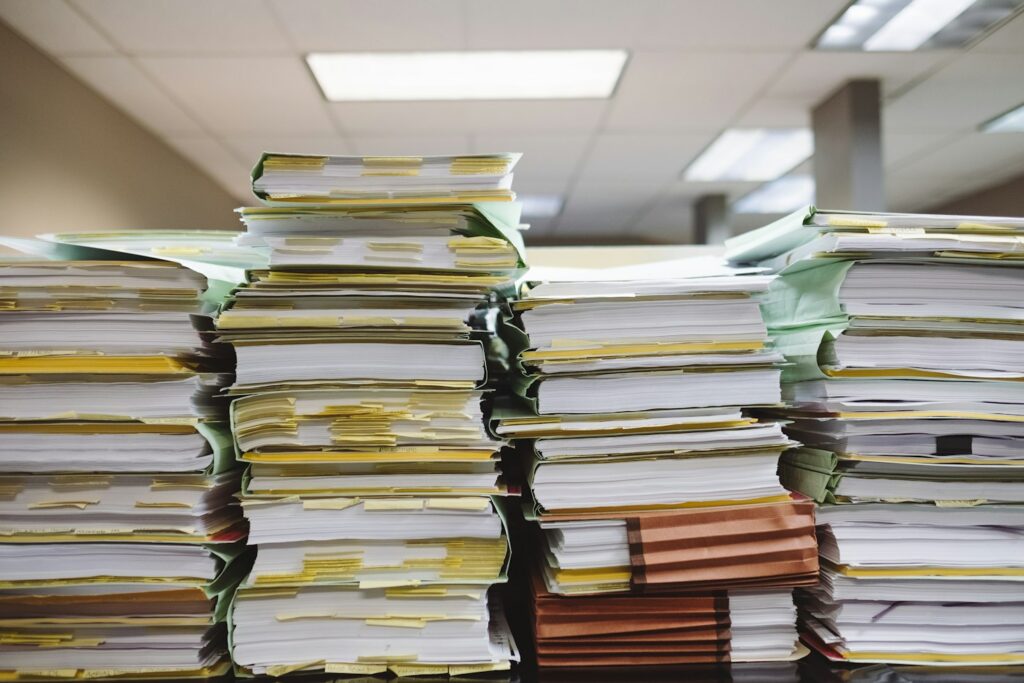
Paper remains common in offices because it works with established routines, signatures, and face-to-face processes. A printed form can move from a customer to a receptionist in seconds, with no account setup or software training. The problems often appear later, when someone must store, find, or share that page.
Modern workplaces don’t need to eliminate every sheet of paper. They do need a clear process for turning important pages into controlled digital records before those pages get lost, damaged, or left where unauthorized people can see them.
The Persistent Habit of Printed Forms
Printed forms survive because they are familiar and flexible. Visitors can sign in at a front desk, technicians can record readings in areas with poor connectivity, and employees can annotate diagrams during meetings. Some vendors and customers also continue to provide paper receipts, invoices, and delivery notes.
The trouble starts when paper becomes the only record. A form may sit in an employee’s bag for several days before reaching the right department. Handwritten notes can be difficult to read, and filing cabinets may organize information differently from the company’s digital systems. These small delays compound when a team handles hundreds of pages each month.
Set a deadline for digitizing incoming documents. For example, staff could scan customer forms before the end of the working day and submit expense receipts within 48 hours. An iPhone or iPad user can use a mobile document scanner to capture documents, receipts, IDs, and photos, then crop, clean up, organize, or share the resulting files. This gives teams a practical bridge between paper-based interactions and searchable digital workflows.
Security Risks in Unmonitored Filing
A locked office doesn’t automatically make its paper records secure. Documents can remain on printers, meeting room tables, or reception desks. Filing cabinets may also have shared keys, unclear access rules, or no record of who removed a folder.
These physical document risks include loss, unauthorized viewing, and damage from water or fire. A misplaced personnel form or customer record may go unnoticed until someone needs it weeks later. Photocopies create another problem because teams can’t easily identify how many versions exist or where they went.
Start with a simple paper audit. Walk through the office at the end of a typical day and note where sensitive pages accumulate. Check printer trays, recycling containers, unlocked drawers, and shared workspaces. Assign an owner to each storage area and keep an access log for records that require tighter control.
Retention rules matter too. Label files with a review or disposal date so old material doesn’t fill cabinets indefinitely. Use secure disposal services for confidential pages and document when each batch was destroyed.
Capturing Records at the Point of Origin
The best time to digitize a record is when the workplace first receives or creates it. This reduces the risk of lost pages and preserves important context, such as the date, project name, and person responsible.
Consider a field service team completing an inspection form. If an employee waits until returning to the office to submit the paperwork, managers may not review the results for several days. Capturing the form on-site allows the employee to check image quality, apply a consistent file name, and send it to the correct folder while the details are fresh.
Make digitization part of the task itself. Staff should ensure every page is visible, verify that the text is readable, and add relevant metadata before submission. Optical character recognition (OCR) can make typed content searchable, but employees should still check names, account numbers, and handwritten entries for errors.
Mobile tools can further improve efficiency by helping employees capture and share records directly from the field. Businesses can explore improving business operations with mobile technology to streamline these workflows and reduce administrative delays.
Clear ownership is equally important for physical document security. Specify who captures each record, where the digital copy belongs, and what happens to the original after verification. Without these procedures, scanning can create two unmanaged copies instead of one reliable record.
Designing Frictionless Filing Protocols
A filing protocol should be short enough that employees can follow it during a busy day. Complicated folder trees and long file names encourage people to save documents on desktops or postpone the task. Choose one approved storage location and limit the number of decisions required at upload.
A workable file name might include the date, document type, and a short reference, such as `2026-10-29_expense_4821`. Teams should agree on the date format and use the same terms for common documents. Avoid labels such as “miscellaneous” or “new scan,” which reveal little when someone searches six months later.
Test the protocol with a few common situations:
- A receipt submitted by a remote employee
- A signed visitor form from reception
- A multi-page supplier invoice
- A corrected form that replaces an earlier version
For each example, check whether an employee can identify the destination, file name, and retention status without asking a manager. Define how corrections work so people don’t overwrite records without preserving necessary history.
Paper will remain useful wherever speed, accessibility, or an established process makes it practical. The real measure of a workplace filing system is what happens next. Once every important page has an owner, a capture deadline, and a defined destination, the filing cabinet stops being the place where information disappears.
